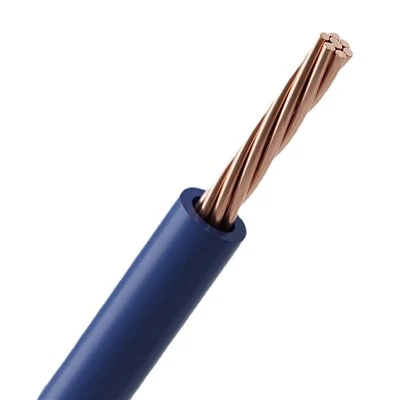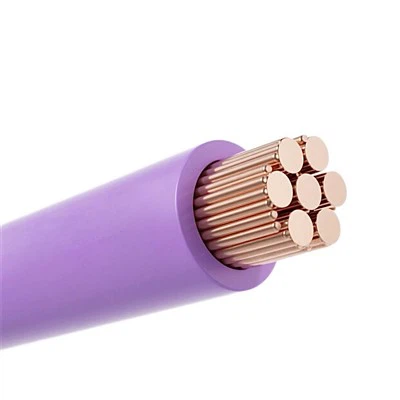

Hey there! As a multicore cable supplier, I've seen firsthand how important it is to install these cables properly. A good installation not only ensures the cable works well but also extends its lifespan and keeps everyone safe. In this blog, I'll share some tips on how to install a multicore cable correctly.
Before You Start
First things first, you need to do some prep work. This step is super crucial as it sets the foundation for a successful installation.
Choose the Right Cable
Pick the cable that suits your needs. We offer a variety of options, like the UL2095 PVC MacBook Computer Electrical Cable, UL2587 PVC Screened Power Cable, and UL2725 PVC Shielded Electronic Copper Wire. Each cable has its own features and is designed for different applications. For example, if you're working on a computer project, the UL2095 might be your best bet. If it's a power-related job, the UL2587 could be more suitable.
Check the Route
Take a look at where you're going to run the cable. Make sure the route is clear of any sharp objects, heat sources, or other things that could damage the cable. Also, think about the length you need. You don't want to end up with too much or too little cable.
Gather Your Tools
You'll need a few basic tools for the installation. These usually include a cable cutter, wire strippers, a screwdriver, and some cable ties. Having the right tools makes the job a lot easier and safer.
Installation Steps
Uncoil the Cable
Carefully uncoil the multicore cable. Try to do it in a way that avoids kinks and twists. If the cable gets kinked, it can affect its performance and might even cause problems down the line.
Mark the Route
Use tape or some other marking method to show where the cable will go. This helps you stay on track and ensures a straight and neat installation.
Secure the Cable
Once you've marked the route, start securing the cable. You can use cable clips or ties to hold it in place. Make sure the clips or ties aren't too tight, as this could damage the cable's outer sheath.
Connect the Ends
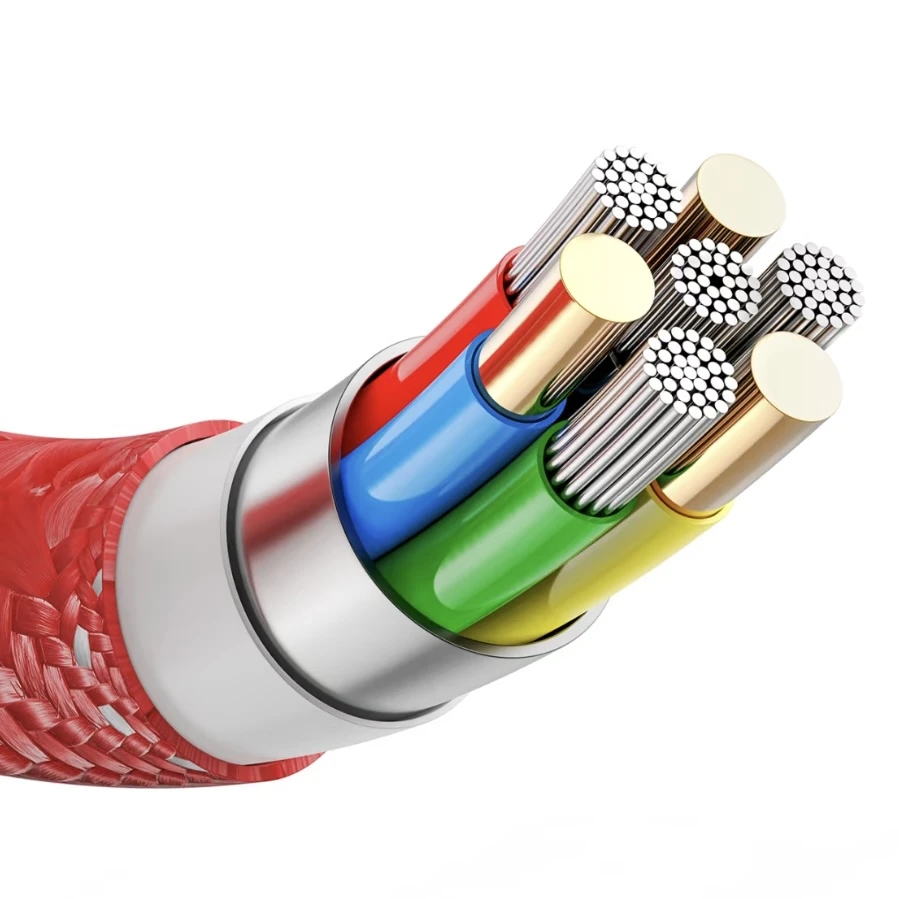
Now it's time to connect the cable to the devices or terminals. First, strip the outer sheath of the cable using the wire strippers. Be careful not to cut into the individual wires inside. Then, strip the insulation from the ends of the individual wires.
Match the wires to the correct terminals according to the color code or the wiring diagram. Use a screwdriver to tighten the connections. Make sure the connections are tight and secure to prevent any loose contacts, which can lead to electrical problems.
Grounding
If the cable requires grounding, make sure to do it properly. Grounding helps protect against electrical shocks and reduces the risk of interference. Connect the grounding wire to the appropriate grounding terminal.
Test the Connection
After you've connected everything, test the cable to make sure it's working correctly. You can use a multimeter or other testing equipment to check for continuity and proper voltage. If there are any issues, go back and double-check your connections.
Tips for a Successful Installation
Follow the Manufacturer's Instructions
The manufacturer usually provides detailed instructions on how to install the cable. Make sure to read and follow these instructions carefully. They'll give you specific information about things like the maximum bending radius, temperature limits, and other important details.
Keep it Neat
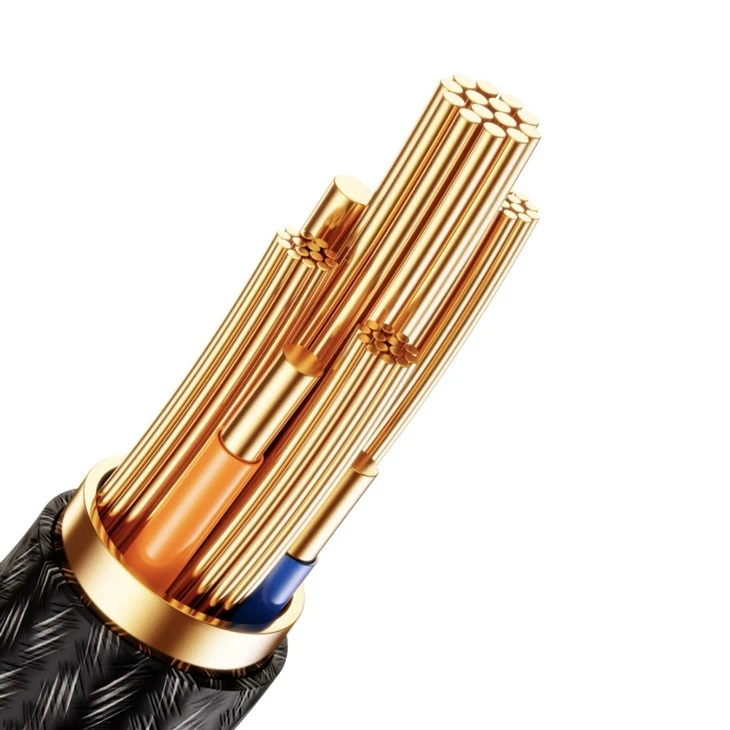
A neat installation not only looks good but also makes it easier to troubleshoot if there are any problems later on. Use cable ties to organize the wires and keep them from getting tangled.
Be Patient
Installing a multicore cable can be a bit tricky, especially if you're not used to it. Take your time and don't rush through the process. It's better to do it right the first time than to have to go back and fix mistakes.
Safety Precautions
Turn off the Power
Before you start working on the cable, make sure to turn off the power to the circuit. This helps prevent electrical shocks and other accidents.
Wear Protective Gear
Wear safety glasses and gloves to protect yourself from any sharp edges or electrical hazards.
Be Aware of Your Surroundings
Pay attention to what's going on around you. Make sure there are no tripping hazards or other dangers in the area where you're working.
Conclusion
Installing a multicore cable properly is essential for its performance and safety. By following these steps and tips, you can ensure a successful installation. If you have any questions or need more information about our multicore cables, feel free to reach out. We're here to help you with all your cable needs and are ready to discuss your procurement requirements. Whether you're a small business or a large corporation, we can provide the right cables and support for your projects.
References
- Electrical Installation Handbook
- Multicore Cable Manufacturer's Guidelines